Pay once. Keep it.
One-time price. Every key works on 2 Macs and gets free updates, forever.
Launch price until 30 November: Standalone $99 and Bundle $149.
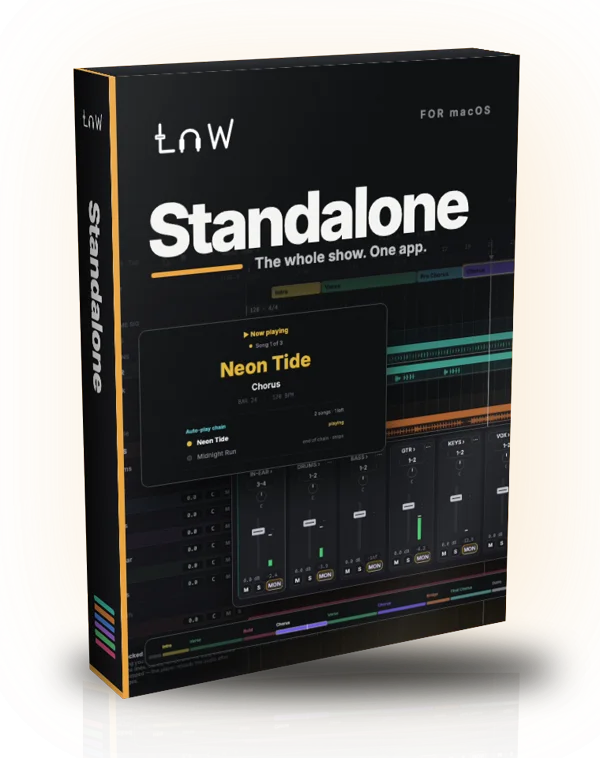
Standalone
For shows without Ableton
- Its own audio engine and mixer
- Setlists, click, Voice Cues, remotes
- Opens LnW Builder sets
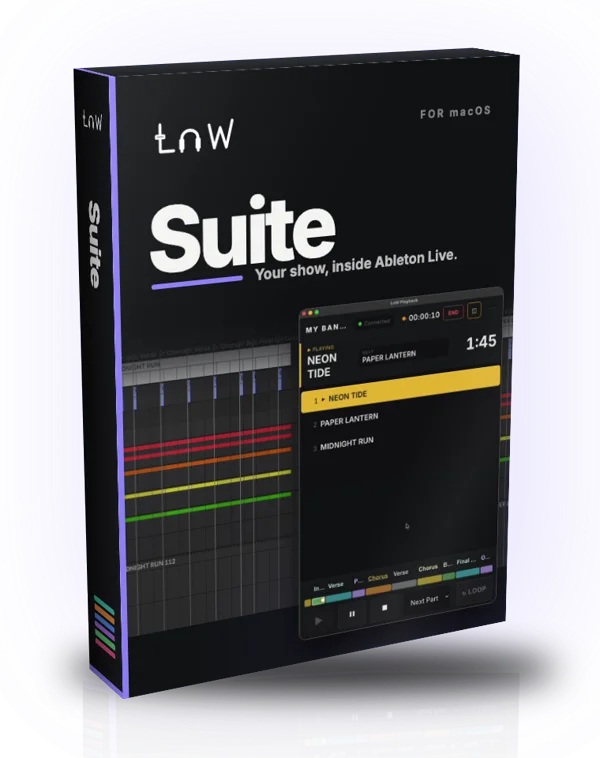
Suite
For shows that run in Ableton Live
- Builder makes the Live Set from your stems
- Playback runs the show in Live
- Needs Ableton Live 12.4 or later
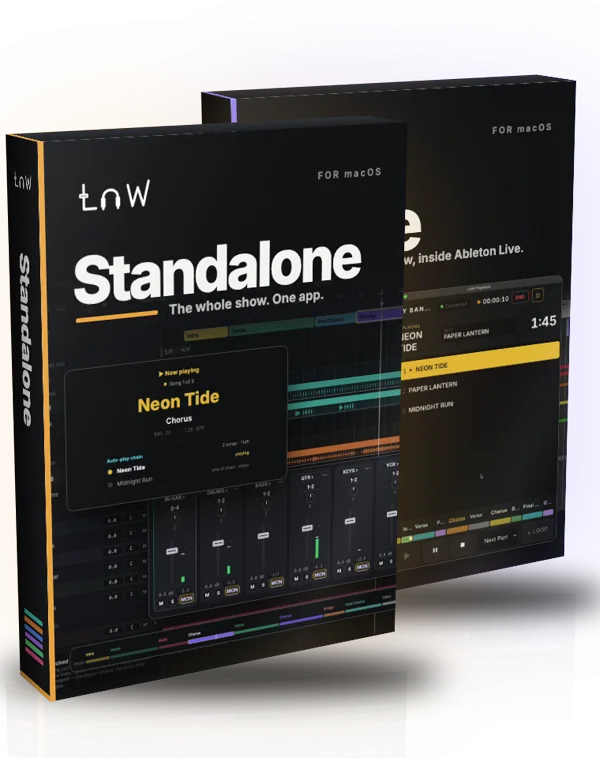
Bundle
Save $49With Ableton or without it
- All three apps on one key
- Rehearse in Live, play the gig on Standalone
- 2 Macs, every app
Try everything for 7 days
Every feature, in every app. One trial per email and per Mac. The Suite trial covers Playback and Builder together.
Downloads open soon — follow @lnwplayback to hear firstMore questions
I already have a Live Set. Do I need Builder?
No. LnW Playback works with any Live Set where each song starts at a locator whose name begins with # (like #My Song). Builder is for making a new set from stems — use one app or both.
What files does Builder take?
WAV or AIFF stems, a folder per song. A click track gives it the tempo, and a spoken cue track gives it the section names. The words in each file name tell it which track the file goes on — you can change any of them before you build.
macOS says the app can't be opened. What do I do?
macOS shows this the first time because the apps are not from the App Store. Open System Settings → Privacy & Security, scroll down, click Open Anyway, then Open. You’ll do this after every install or update.
Does it work on Windows?
Not yet. Every LnW app needs macOS 12 Monterey or later, on Apple silicon or Intel.
Do I need internet on stage?
No. Go online once to activate your key. After that the apps run offline. During the free trial, the app needs to reach our server once a day when you open it.
Do Voice Cues need internet?
No. The built-in voices work offline. If you use your own ElevenLabs voice, each new word is made online once and kept on your Mac, so the show runs offline. A message typed into Broadcast with no internet is spoken with the Mac voice.
Are the apps in Thai?
Yes. The apps switch between English and Thai in Settings, and Voice Cues can speak Thai in the band’s ears.
Some songs are louder than others. Can it fix that?
Not automatically, on purpose. Playback stems are only part of the song: a song the band plays mostly live has thin stems, so raising it to match the others would be far too loud once the band plays on top. Set each song’s level by ear while watching the meters — in LnW Standalone with the Song Master, in LnW Playback with clip gain or track volume in Ableton. Your audio files are never changed.
Is it a subscription?
No. You pay once — Suite $99, Standalone $149 or the Bundle $199 — and every update is free.
I got a new Mac. Can I move my license?
Yes. On the old Mac, release it in the app’s Settings — LnW Playback: License → Manage License → Deactivate This Device · LnW Builder: Release this machine · LnW Standalone: License → Release this Mac. Then enter the same key on the new Mac. One key covers 2 Macs at a time. Old Mac broken or gone? Email or DM us and we’ll free its slot.
Can I get a refund?
All sales are final. Every app has a 7-day free trial with every feature, so you can test it with your own show first.
How do I get help?
Email support@lnwplayback.com, or send a DM to @lnwplayback on Instagram.